
A little help for your everyday files
Smaller files.
Big relief.
That photo is too large. The PDF won’t send.
Doc Doc helps you get on with your day.
Compress, resize, and prepare your photos and documents. Right on your Android phone.
Your files are processed on your device.
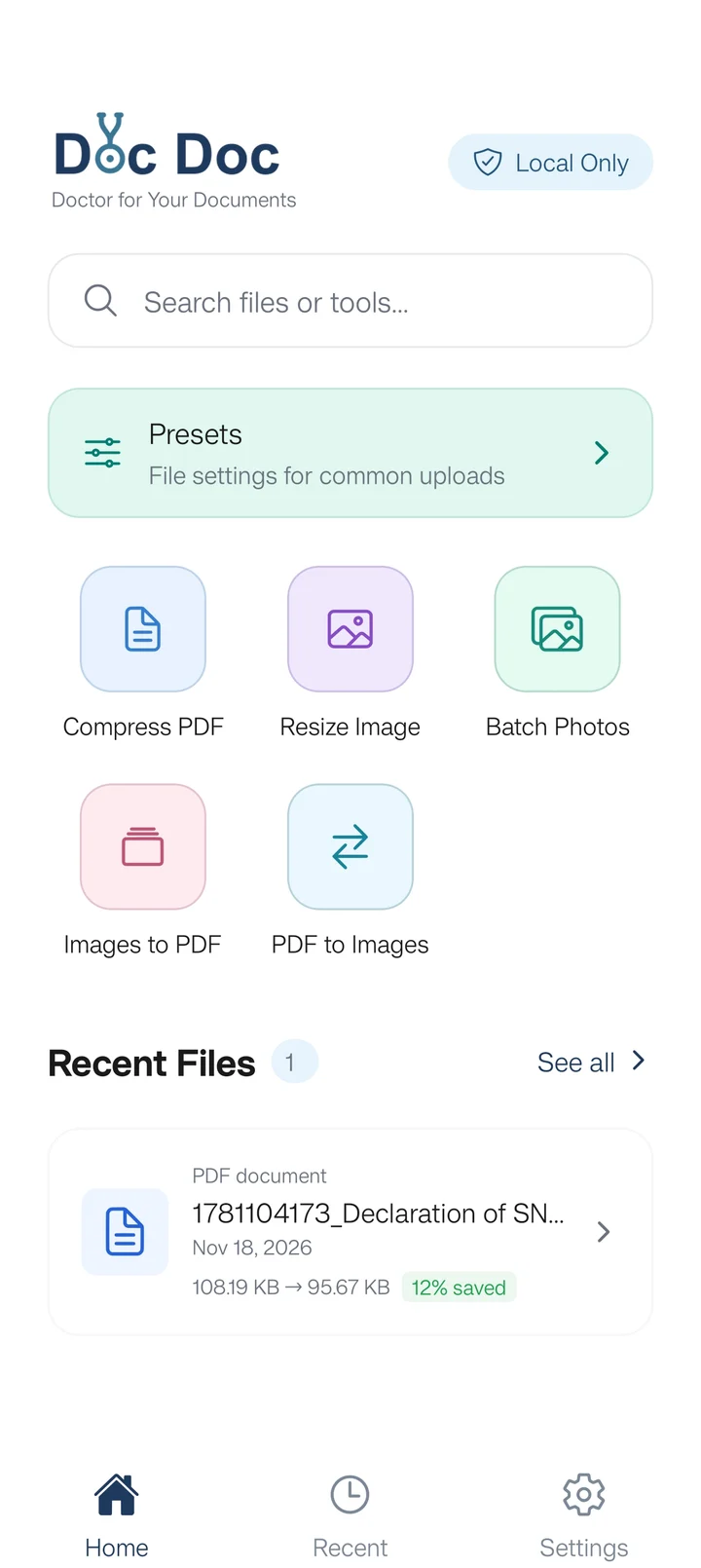
A useful little toolkit
Less file juggling.
More getting things done.
From a single photo to a stack of PDF pages.
Pick a tool. Take a look around.
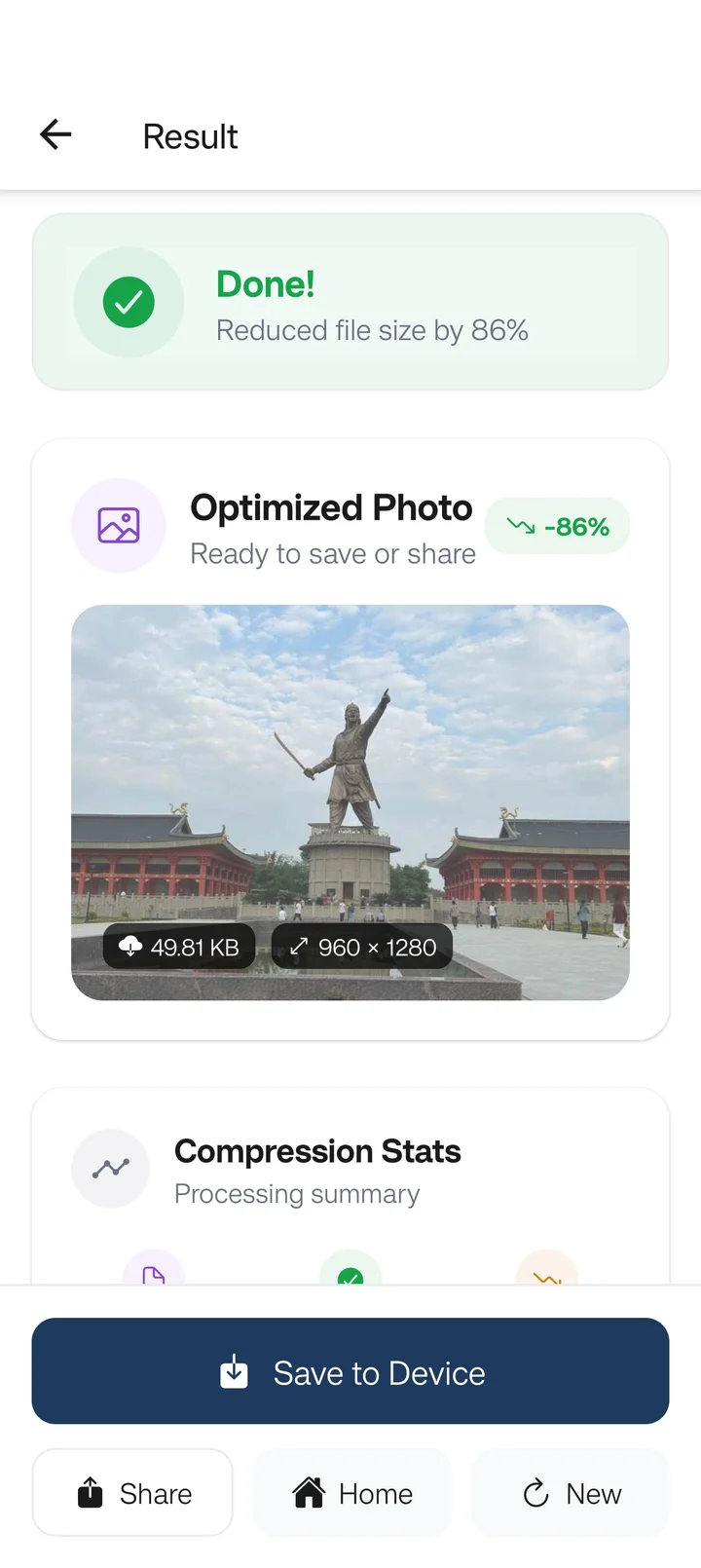
The photo you need.A size that fits.
Choose a target file size, adjust quality, and save a smaller version. Ready for that upload field, email, or message.
Example shown: 359.13 KB → 49.81 KB. Results vary by file and settings.
A look inside the appFrom “too large” to all set
Three steps.
One less thing to do.
- 01
Pick your file.
A photo, a document, or a few of each. Start with what you have.
- 02
Make it fit.
Choose your settings. Reduce file size, set dimensions, or convert formats.
- 03
On with your day.
Check the result, save it to your device, and share it when you’re ready.
Your files stay close
Personal files.
Processed locally.
Your photos and documents don’t need a trip to our servers. Compression and document processing happen right on your device.
Ads and preset updates use internet access. Shared, exported, or backed-up copies follow the destination service’s privacy practices.
Read our privacy policyWhat can I do with Doc Doc?
Compress photos and PDFs, resize images, compress photos in a batch, combine images into a PDF, and convert PDF pages to images. Application presets help you get started with photo and signature settings for forms.
Are my photos and documents uploaded?
Photo and document processing happens on your device. Doc Doc does not upload your files to its servers for processing. Files you choose to share, export, or back up are handled by the destination app or service.
Does Doc Doc need an internet connection?
File processing happens locally. Ads and preset updates use the internet, and optional features that require a rewarded ad depend on ad availability.
Can I choose a target file size?
Yes. Photo compression includes a target file size setting, alongside output dimensions and quality controls. Results depend on your source file and settings, so always check the final file before uploading.
Are application presets official requirements?
Presets are a convenient starting point for common file settings. They are not an official source or an affiliation with any authority. Check the receiving portal’s current requirements before submitting your files.
Meet your everyday file helper
A little less hassle.
A little more Doc Doc.
Your next “file too large” moment has a solution.
Get it onGoogle PlayFor Android · Contains ads